One catalogue
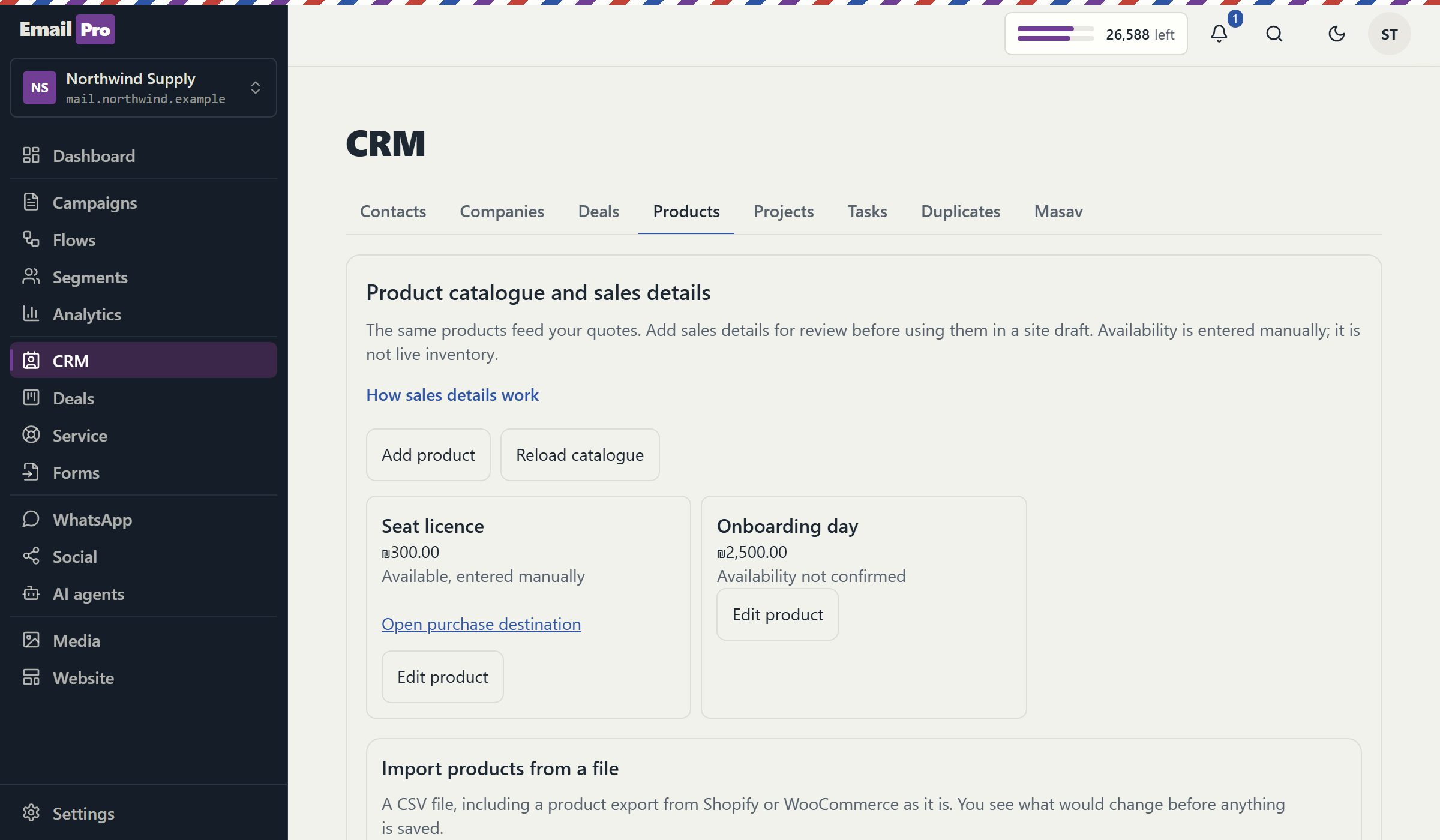
Each product holds its price, options, images, category, stock state and an external ID. A check date records when you last confirmed that it is available.
Store catalogue
You can bring Shopify or WooCommerce products into one catalogue from an export file, preview the result and undo the whole import in one step. The catalogue feeds blocks on your website and can publish a page for every product. A live read from the store and a cart are built and not switched on yet.
Open now: the catalogue, CSV import with undo, catalogue and product blocks, and product pages. Not switched on yet: the live read from a store, and the cart. Real payments at the cart are planned for Israeli workspaces with a connected payment provider, and no provider has been tested live.
Products live in one place, with what you need to sell them, and every surface reads from there.
Each product holds its price, options, images, category, stock state and an external ID. A check date records when you last confirmed that it is available.
The import reads a Shopify or WooCommerce product export as it comes, with no reformatting. You preview it, confirm it, and one step reverses it if it was the wrong file.
A product edited by hand is not overwritten. The import reports a conflict and leaves your version, so a later file cannot undo the work someone did on a description.
A catalogue block shows a grid with categories as anchors, and a product block shows one item. Both work with no script on your page, and an out-of-stock item says so in place of its button.
Choose this on a block and publishing creates a page at /shop/your-product for each item. These pages enter your sitemap and do not count toward your page limit.
Product structured data appears only when you provided a price and availability. Nothing invents a review, a discount or scarcity, and a recommended product carries a sponsored link.
Each stage opens separately, because reading a store and taking money carry different risks.
| Stage | What it does | Status |
|---|---|---|
| Catalogue and variants | Products, options, images and categories in one place | Open |
| CSV import and undo | Shopify or WooCommerce export file, preview, one-step undo | Open |
| Site blocks | Catalogue and product blocks from a dated snapshot | Open |
| Product pages | A page per product at publish, included in your sitemap | Open |
| Live store read | A read-only token, the same preview and undo as a file | Not switched on yet |
| Cart, test mode | A cart on the catalogue that records a test order and charges nothing | Not switched on yet |
| Cart, real payments | Hosted payment page at your connected provider, Israeli workspaces | Not switched on yet |
Download the product file from Shopify or WooCommerce and bring it into the catalogue. The live read, when it opens, does the same work with a read-only token.
Check what is new, what changes and what conflicts with a manual edit. Confirm, and the batch is recorded so you can reverse it in one step.
Pick products in the site editor. The block stores a snapshot of what a visitor reads, with its date, and publishing warns you when that snapshot grows old.
Turn on a page per product and publish. A real page at the same address wins, so a hand-built product page is never replaced.
A catalogue can hold hundreds of products, and a website should not change its prices because someone edited a spreadsheet. So a block carries a snapshot of the items it shows, taken when you chose them and stamped with the time. When that snapshot passes fourteen days, publishing warns you to check the prices, and a refresh takes a new one.
When the live read opens, it will use a separate credential from the one that receives orders: a read-only token you paste once, stored encrypted and never shown again. The store's products are turned into the same shape as an export file, so a live read gets the same preview, the same conflict rule and the same undo. If the store changed between your preview and your confirmation, the import is refused and you are asked to look again.
The cart, when it opens, is a plain form on your page with no script. Prices are never read from the visitor: each step prices the items again from your catalogue. In test mode a confirmed cart is recorded, no provider is contacted and no visitor details are collected. With real payments, the buyer's name and email become a contact with no marketing consent, and the buyer is sent to a hosted payment page at your own provider.
This is a way to show and sell products from a site you run with us. It is not a full store platform.
The catalogue records whether a product is available, and a person or an import changes that. Sales through the cart do not reduce a stock number, so a store with tight inventory should keep its platform.
A product with variants, or one linked to another store, keeps its own button instead of joining the cart. Only products sold here with one price can be added.
Shipping rules, tax calculation and automatic delivery of digital goods are not part of this. Your existing store handles those better, and the catalogue can link to it.
Clear answers
Open an account and bring in one export file. You can preview it, publish a block, and undo the import if it is not what you wanted.