Mail received and sent
Each item is one standard .eml file, sealed. It covers mail received and mail sent from the Brand My Inbox mailbox. Mail you send through SMTP from your own mail client is not in the archive today.
Your own archive
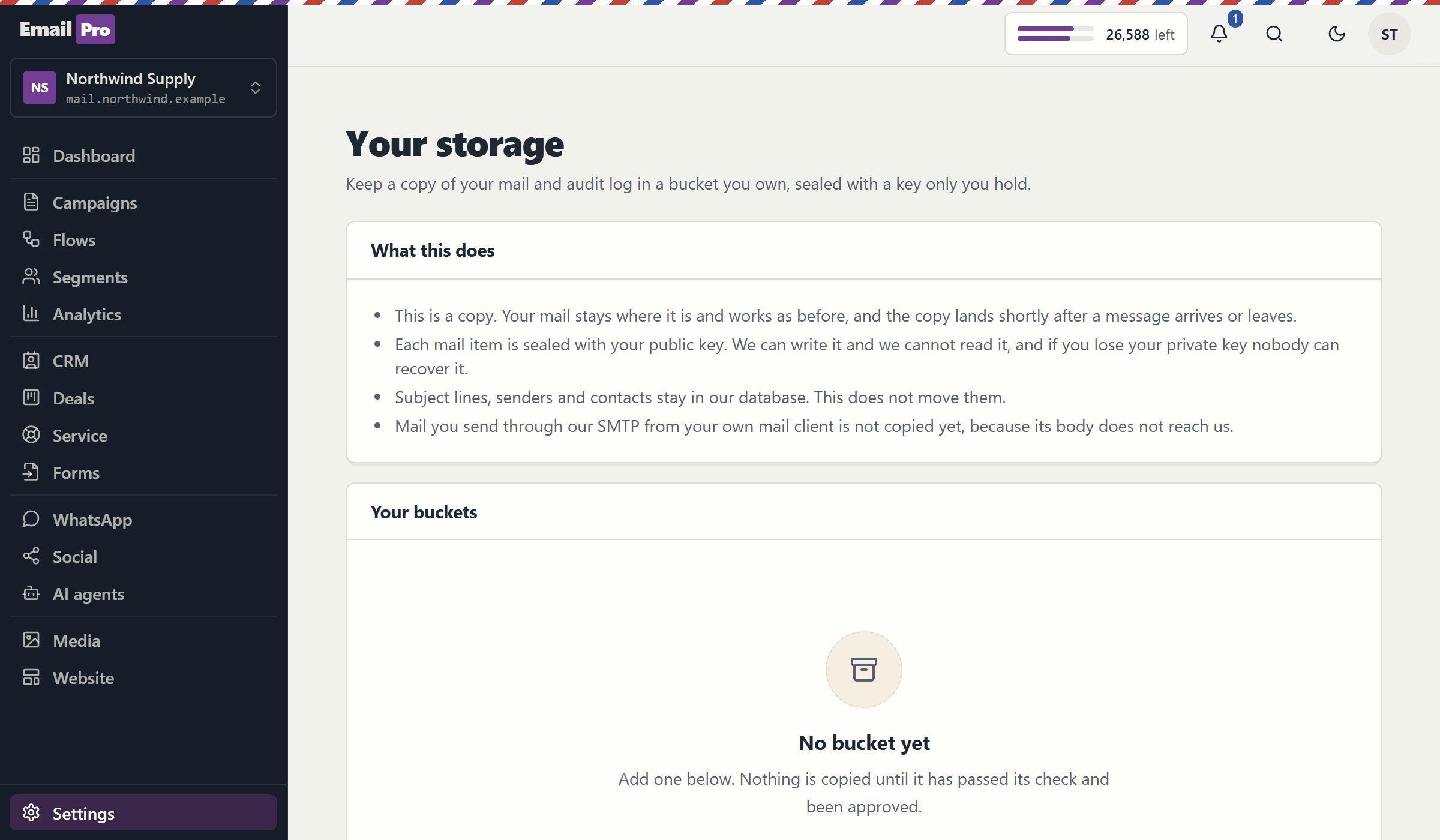
You can keep a copy of your mail and audit log in a bucket your organisation owns. Each message is sealed with your public key as it is written, so we can add to the archive and cannot read it back. The format is public, and your private key stays with you. Your mail keeps working as before.
This is built, and it has been tested against S3-compatible storage in our own environment. It has not yet run against a live cloud account, and it is off for every workspace today. If your organisation needs it, write to us.
A copy made after the fact. Sending and receiving never wait for your bucket, so a bucket that is down delays a copy and nothing else.
Each item is one standard .eml file, sealed. It covers mail received and mail sent from the Brand My Inbox mailbox. Mail you send through SMTP from your own mail client is not in the archive today.
Sensitive actions are exported as JSONL files. By default the log lands in plain form so a SIEM can read it directly, and it is sealed when you add a public key.
A small plain file holds the item's ID, direction, time and SHA-256. It has no address and no subject, so you can list and compare your archive with no key.
Each item has its own random key, which is encrypted with your public key. The content uses AES-256-GCM, and the key wrapping uses RSA-OAEP with SHA-256.
The format is published, and an open reader tool needs Node and nothing else. Your archive does not depend on us, on our service or on our staying in business.
The connection needs permission to write and nothing else. The check warns you if the credentials can read the bucket or write outside their folder.
This is a copy, and the honest answer depends on which copy you mean.
| Data | Where it stays | Who can read it |
|---|---|---|
| Sealed mail in your bucket | Your bucket | Only the holder of your private key |
| Your original mail | Our service, as before | You, and the service that runs your mailbox |
| Subject lines, senders, contacts | Our database, as before | You; this feature does not move them |
| Audit log with no public key | Your bucket, in plain JSONL | Anyone you give the bucket to |
| Your private key | With you, we never receive it | You |
Lose your private key and nobody can open the sealed items, us included.
Create a bucket and a folder, and generate an RSA key pair of at least 3,072 bits. Keep the private key in your own systems.
Enter the endpoint, bucket, folder and region, and how we sign in: an IAM role in your cloud with no stored key, or an access key. Paste your public key.
We write a test object and report what we find: a missing permission, a read permission we should not have, or a region that differs from what you entered.
The owner, a second person and our operator approve. The screen then shows how many items were copied and any error, and failed copies stay queued and retry.
An archive is only as private as the weakest party that can read it. If we held the keys, you would be trusting us with a second copy of everything. So the archive uses public-key encryption: we hold your public key, which can only lock, and you hold the private key, which can open. Once an item is written, we have neither the permission to read the bucket nor the key to open what is in it.
It is also built to stay out of the way of your mail. The copy happens after a message has been handled, so slow storage cannot slow down delivery. Copies wait in a durable queue and retry, and an item that fails is shown on the screen rather than dropped. Turning the service switch off stops new connections and leaves an active one working, because your own bucket must not vanish on an operator's decision.
Be clear about what this is not. It does not move your primary mail: the original stays with us and keeps working, and subject lines and contacts stay in our database. Running your primary mail storage in your own bucket is a separate project, and it is planned rather than built. If your rule is that nothing may sit outside your network, read about installing on your own servers instead.
A copy answers some requirements and not others. These are the ones that need something else.
This is a copy on top of our service, not a replacement for it. If policy says the mail may not sit with an outside party at all, the on-premise installation is the right starting point.
Mail you send through SMTP from your own client is not in the archive today, marketing campaigns are left out by design, and attachments of outgoing mail are not in the copy.
This writes files to your storage. Searching them, placing a hold and producing them for a case are jobs for your archive or eDiscovery system, which can load the standard .eml files.
Clear answers
Tell us about the storage you use and the rules you answer to. We will tell you what is covered today and what is not.